 IGNITE
Every PM tool guide on the internet is organized the same way: a numbered list, a year in the title, and a winner that happens to have a generous affiliate program. You read it, feel vaguely informed, pick something, and six weeks later half your team is still using WhatsApp to assign tasks.
The problem isn't the tools. It's the frame. Ranking project management software by popularity tells you what's trending. It tells you nothing about whether it fits how your team actually works.
This guide is organized differently. We start with team type, then match the tool to the workflow. No year in the title. No affiliate rankings. Just an opinionated take on what works and why.
Why Most PM Tool Guides Fail You Before You Even Click
Here's the dirty secret of software comparison content: it's almost always written for the tool, not for you. These guides get updated every January with a new year slapped on the title, the same five tools reshuffled, and a new section on whatever feature everyone added that quarter.
The result is that you end up choosing a tool based on what's popular right now, not what actually fits your team's workflow. And when the tool doesn't stick, everyone blames adoption. But adoption is almost never the real problem. Fit is.
The biggest failure mode in PM tool rollouts is picking a tool for its feature list and then trying to retrofit your team's workflow into it. It works the other way around. Start with how your team works. Then find the tool that matches.
The Four Team Types (And What Each One Actually Needs)
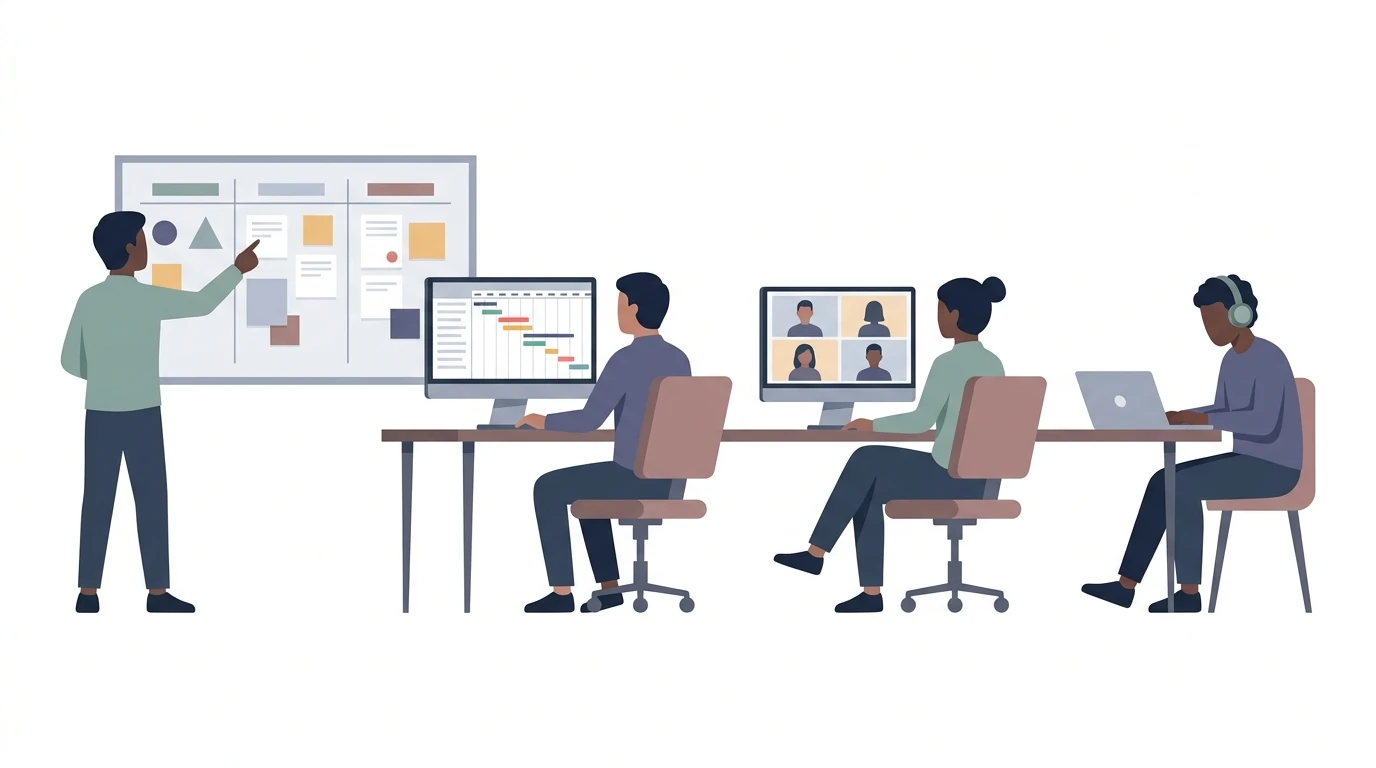
Most teams fall into one of four working styles. They're not mutually exclusive, but one usually dominates. Figure out which one describes your team and you've already done most of the work.
The Visual Team
This team thinks in columns. They want to see what's in progress, what's waiting, and what's done at a glance, without clicking into anything. Kanban boards are their natural habitat.
What they need: a clean board view, fast card creation, color labels, and nothing else getting in the way. They don't need Gantt charts. They don't need resource allocation. They need to move a card from "In Progress" to "Done" and feel the satisfaction.
Good fit: Trello, the Kanban view in Notion, or the board view in ClickUp with everything else turned off. The tool should feel like a physical whiteboard, not a spreadsheet.
What kills them: over-engineered tools that require you to set up a whole project structure before you can create your first task. If onboarding takes more than 20 minutes, the visual team will abandon it.
The Structured Team
This team runs multi-phase projects with real deadlines, cross-functional handoffs, and dependencies that actually matter. If task B can't start until task A is done, they need the tool to know that and enforce it.
What they need: Gantt charts, task dependencies, milestone tracking, and ideally some kind of workload view so they can see who's overloaded before it becomes a problem.
Good fit: Asana (timeline view), Monday.com, or ProjectLibre for teams that want something free and no-frills. ClickUp also works here if you're willing to invest in the setup.
What kills them: tools that treat every task as equal with no way to express sequencing. A visual kanban board is basically useless for a team running a product launch with 40 interdependent tasks.
The Client-Facing Team
Agencies, consultants, and any team that delivers work to external clients share a specific problem that most internal PM tools completely ignore: the client needs to see something.
Most internal PM tools are built for internal teams. Client portals, clean external sharing, and billing integration are afterthoughts, if they exist at all. For a client-facing team, those aren't nice-to-haves. They're table stakes.
What they need: a client-facing view that doesn't expose internal comments, a way to share project status without giving full account access, and ideally some kind of approval workflow so clients can sign off on deliverables without a chain of emails.
Good fit: Teamwork (built specifically for agencies), Basecamp (client access is a core feature, not a bolt-on), or a custom setup in Notion with a shared workspace.
What kills them: tools where "sharing with a client" means giving them a login to your full project workspace. That's not a client portal. That's a liability.
The Async-First Team
Distributed teams, remote-first companies, and any team where people are working across time zones have a fundamentally different problem. Real-time dashboards don't help you when half the team is asleep.
What they need: strong documentation, threaded comments on tasks, clear notification controls, and a way to communicate context without calling a meeting. The PM tool is also their communication layer.
Good fit: Notion (documentation-first, flexible), Linear (for async engineering teams), or Basecamp (which was literally built for this problem). The key is that the tool should make it easy to leave a complete thought on a task, not just a status update.
What kills them: tools designed around real-time activity feeds and "who's online" indicators. If the tool is optimized for synchronous work, async teams will route around it.
The Adoption Problem Nobody Talks About
Here's something I've seen over and over: a team picks a powerful tool, spends two weeks setting it up, and then three months later the team lead is the only person using it.
This isn't a motivation problem. It's a friction problem. The best PM tool is the one your team actually opens. And teams open tools that feel like they reduce work, not add it.
For teams that have never used a PM tool before (which describes a lot of mid-size businesses in Latin America running their commercial operations entirely on WhatsApp and spreadsheets), the right first tool isn't the most powerful one. It's the one with the lowest friction to first value. Something that works in 20 minutes, not something that requires a two-day implementation.
Simplicity and fit beat feature richness every single time. A team that uses a basic kanban board consistently will outperform a team that has a perfectly configured ClickUp workspace that nobody logs into.
One more thing: switching PM tools mid-project is one of the most disruptive things you can do to a team. It's not just the migration. It's the context loss, the retraining, the two weeks where nothing is in either system properly. The initial choice matters more than people think. Get it right the first time by starting with team type, not feature list.
AI-Native vs. AI-Bolted-On: There's a Real Difference
Every major PM tool has added AI features in the last two years. Most of them are doing the same thing: a chatbot that summarizes your tasks or generates a project description from a prompt. Useful? Maybe. A game-changer? No.
There's a real difference between a tool that bolted an AI assistant onto an existing product and a tool built from the ground up to use AI as part of how work actually gets managed. The first one saves you a few minutes writing. The second one changes how the work runs.
An AI-native PM tool can do things like flag when a project is at risk based on task completion patterns, suggest what needs to happen next based on where the project stands, or surface blockers before they turn into delays. That's not a chatbot. That's the tool actually helping you manage the work, not just record it.
This distinction matters especially for small teams and team leads who are already wearing too many hats. If the tool can carry some of the cognitive load of project management (the "what needs to happen next" question that lives rent-free in every project manager's head), that's real value.
Where Project Machine Fits
Project Machine is what we built at Ignite for exactly this problem. It's designed for client delivery workflows, which means it's built for teams that are managing real projects for real clients, not just tracking internal to-dos.
The core idea is that the tool should help run the work, not just log it. That means AI-assisted guidance on what's next, task tracking that's actually connected to how delivery works, and a setup that doesn't require a two-week implementation before you can use it.
If you're a consultant, a small agency, or a mid-size business that's finally getting serious about how you manage client work, it's worth a look. You can see what we're building and how it fits into the broader commercial operations stack we design for clients.
The tools I recommend are tools I've actually used and built with. That's the only standard I apply. If it hasn't worked in a real project, it doesn't make the list. You can read more about how that approach shapes the way I work with clients if you want the full context.
The One Question That Cuts Through Everything
If you're still not sure which tool to pick, ask your team this: "When you need to know what you should be working on right now, where do you look?"
If the answer is "my email," "I ask my manager," or "I check the WhatsApp group," you don't have a tool problem yet. You have a workflow problem. Fix the workflow first, then pick the tool that matches it.
If your team already has some structure and you're choosing between tools, the answer to that question will tell you whether you need a visual board, a structured project view, a client portal, or an async-friendly documentation layer.
The right tool is out there. It's just not the one at the top of this year's ranking.
FAQ
Why do most PM tool guides recommend the wrong tool for my team?
Most guides are written around affiliate rankings and feature lists, not around how your team actually works. The result is a tool chosen for popularity instead of fit, which is why adoption fails.
How do I figure out which team type I am?
Think about where your work breaks down most often: is it visibility, sequencing, client communication, or time zone gaps? One of the four types (visual, structured, client-facing, or async-first) will describe your team's dominant pain point.
What should I do if my team has never used a PM tool before?
Start with the lowest-friction option you can find, something your team can be using in 20 minutes. A basic kanban board your team actually opens every day beats a fully configured workspace nobody logs into.
Is there a real difference between AI features in PM tools, or is it mostly marketing?
There is a real difference. Most tools have bolted a chatbot onto an existing product, which saves you a few minutes at best. An AI-native tool can flag risks, surface blockers early, and actively help you figure out what needs to happen next.
When is the right time to switch PM tools?
Not mid-project, if you can avoid it. The context loss and retraining cost more than people expect, and there is usually a two-week gap where nothing lives properly in either system. Get the initial choice right by starting with team type.
What if my team still uses WhatsApp and email to assign work?
That is a workflow problem, not a tool problem. Pick a tool before fixing the underlying workflow and the tool will not stick. Clarify how work gets assigned and tracked first, then choose the tool that matches that structure.