 IGNITE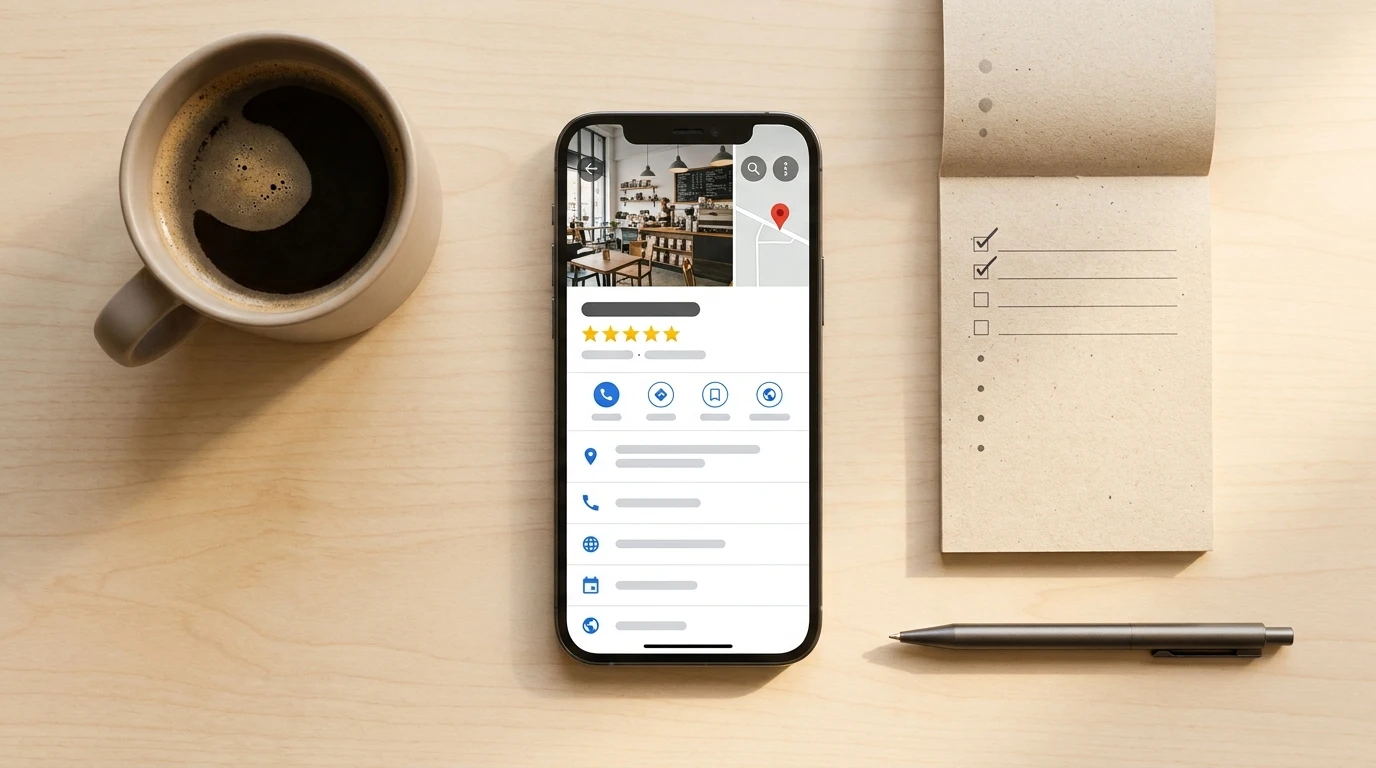
Most businesses set up their Google Business Profile once, feel good about it, and never touch it again. Meanwhile, their competitors with complete, active profiles are showing up in the map pack and getting the call. If you've ever wondered why a competitor with a worse website is pulling more local traffic than you, this is probably why.
Here's what nobody tells you: for local buyers, your Google Business Profile is your real homepage. Not your website. Local search is increasingly zero-click, meaning people get the phone number, hours, or address straight from the map pack without ever visiting your site. If your profile is incomplete or stale, you're invisible at the exact moment someone is ready to buy.
This is a do-it-today checklist. Work through it once to get the foundation right, then build a weekly habit to keep it alive. That second part is where most businesses fall apart, and it's also where the biggest opportunity is sitting.
First, Understand How Google Decides Who Shows Up
Google's local ranking algorithm weighs three things: relevance (how well your profile matches the search query), distance (how close you are to the searcher), and prominence (how active and well-known your business looks online). You can't control distance. You can absolutely control relevance and prominence.
Every item on this checklist improves your relevance signal, your prominence signal, or both. Keep that frame in mind as you go.
Step 1: Complete Every Single Field
This sounds obvious. Almost nobody actually does it.
Open your profile (search your business name on Google or in Maps and you can manage it right there, no separate app needed since Google rebranded from Google My Business in 2021) and audit every field.
Business name, address, phone number, website, hours. Those are table stakes. But don't stop there: write a business description and use the full character limit, include the services you actually want to rank for, fill in your attributes (women-led, wheelchair accessible, free WiFi, whatever applies), add your opening date, and set a service area if you serve customers beyond your physical location.
Adding products and services with descriptions and prices is the one people skip constantly. Don't skip it. Every service you add gives Google more content to match against buyer-intent queries. If someone searches "security camera installation near me" and your profile has a Services entry that says exactly that, you're more relevant. It really is that simple.
Step 2: Pick Your Primary Category Like It's the Most Important Decision (Because It Is)
Your primary category is the single most impactful field in your entire profile. Google uses it to decide which searches your listing is even eligible to appear in. Get this wrong and nothing else you do matters.
Be specific. "Security Systems" beats "Electronics Store." "HVAC Contractor" beats "Home Services." Look at what category your top local competitors are using and make sure yours is at least as specific.
You can add secondary categories too. Use them. If you install cameras and sell access control systems, both deserve a category. Secondary categories expand the search queries you're eligible for without watering down your primary signal.
Step 3: Photos. More Than You Think You Need.
Profiles with photos get 42% more requests for driving directions and 35% more website clicks than those without, according to Google's own data. That's not a marginal difference.
Upload your logo, a cover photo, exterior shots so people recognize the location, interior shots, team photos, and photos of your products or work in action. Aim for at least 10 to start, and keep adding new ones because recency matters to the algorithm.
One thing people miss: customers can upload photos to your profile too. Go check what's there. If someone posted a blurry shot of your parking lot, you can't delete it, but you can flag it and bury it with better images of your own.
Step 4: Google Posts Are Free Advertising You're Ignoring
Google Posts show up directly on your profile. They're essentially mini-ads or announcements that appear when someone looks you up: promotions, new products, events, updates. They're free, and they signal to Google that your business is active.
Event posts expire after 7 days. Standard posts stay live but get deprioritized over time. The practical takeaway: post at least once a week. Not a novel. A photo, two sentences, and a call to action. "New installation completed in [your city]. Ask us about our current promotion." Done.
Consistency here is what separates businesses that win the map pack from those that don't. A weekly 15-minute routine beats a one-time perfect setup every single time.
Step 5: Reviews Are Your Local Sales Team Working 24/7
Businesses that respond to reviews are seen as significantly more trustworthy by consumers, and responding to reviews is a confirmed local ranking signal. Both things are true at once. Reviews aren't just a reputation thing. They're an SEO thing.
The playbook:
- Ask for reviews systematically. After every completed job or purchase, send a follow-up asking for a review. Make it easy by giving them the direct link. Don't wait for it to happen on its own.
- Respond to every review. Every single one. Positive reviews get a short, genuine thank-you. Don't copy-paste the same response or it looks robotic.
- Negative reviews get a calm, professional response. Acknowledge the experience, don't argue, and offer to resolve it offline. You're not writing for the person who left the review. You're writing for the next 50 people who will read it.
Unanswered negative reviews are the most damaging thing on a local profile. One bad review with no response looks like you don't care. That same review with a thoughtful response looks like a business that takes quality seriously.
Step 6: The Q&A Section Is a Liability If You Ignore It
Here's one most people have never thought about. The Q&A section on your GBP is publicly editable. Anyone can post a question and answer it, including your competitors, including people who have never used your business.
Go check yours right now. If there are unanswered questions, answer them. If there's misinformation, flag it and post the correct answer yourself. And proactively seed the Q&A with the questions you get asked most often. "Do you offer free estimates?" "What areas do you serve?" "Do you work with residential clients?" Answer them yourself before a stranger does it wrong.
Step 7: Keep Hours Accurate, Especially Holidays
This one is simple and people blow it constantly. Inaccurate hours are an active liability. If Google detects that your listed hours don't match when customers are actually finding you open or closed, it can suppress your map pack visibility by flagging your listing as potentially unreliable.
Update holiday hours before the holiday, not after. Google lets you set special hours in advance. Use it. It takes five minutes.
The Real Problem: Consistency Is a System Problem, Not a Willpower Problem
I'll be straight with you. You can work through this checklist today and have a great profile by tonight. But in three months, the posts will have stopped, the reviews will go unanswered, and the hours will be wrong for a holiday you forgot about.
That's not a discipline failure. That's a systems failure. The businesses that consistently win local search aren't doing it manually every week. They have a process.
This is exactly why the automation and content systems we build at Ignite include GBP maintenance as part of the marketing stack. Scheduled posts, review-request workflows triggered after a transaction, and alerts when profile information needs updating. The profile stays active without the business owner having to remember it.
If you're a mid-size business in Latin America, the opportunity here is even bigger than it sounds. Local SEO is still massively underused in this market. Most of your competitors have zero GBP strategy. The bar to win the map pack is lower than in saturated North American markets, and early movers get outsized returns. According to practitioner analysis from Marketer Milk, organic local visibility is outperforming paid acquisition for SMBs right now. The math favors doing this.
Complete profiles are 70% more likely to attract location visits and 50% more likely to lead to a purchase, per Google's own data. That's not a small edge. That's a structural advantage you can build today for free.
If you want to go beyond the checklist and actually build the system that keeps it running, that's what I do. But start with the checklist. Get the foundation right. Then we can talk about making it automatic.
Your map pack spot is sitting there unclaimed. Someone's going to take it.
FAQ
Why does my Google Business Profile matter more than my website for local search?
Local search is increasingly zero-click, meaning buyers get your phone number, hours, or address straight from the map pack without ever visiting your site. Your GBP is effectively your real homepage for anyone searching locally.
How do I choose the right primary category for my profile?
Pick the most specific category that accurately describes your core business, and check what your top local competitors are using to make sure you are at least as specific. Getting this wrong limits which searches your listing is even eligible to appear in, so nothing else you do will compensate for a poor category choice.
How often should I be posting to my Google Business Profile?
At least once a week is the practical standard. A photo, two sentences, and a call to action is enough. Consistency signals to Google that your business is active, which directly supports your map pack ranking over time.
Can strangers actually post wrong information in my Q&A section?
Yes. The Q&A section is publicly editable, meaning anyone including people who have never used your business can post questions and answers. Check it regularly, correct any misinformation, and proactively post and answer your most common questions yourself before someone else does it wrong.
What is the right way to handle a negative review?
Respond calmly and professionally, acknowledge the experience without arguing, and offer to resolve it offline. You are really writing for the next 50 people who will read that exchange, and a thoughtful response signals that your business takes quality seriously.
Why do my holiday hours matter so much?
Inaccurate hours can cause Google to flag your listing as potentially unreliable, which can suppress your visibility in the map pack. Update special hours before the holiday using Google's built-in feature. It takes five minutes and prevents an active ranking penalty.